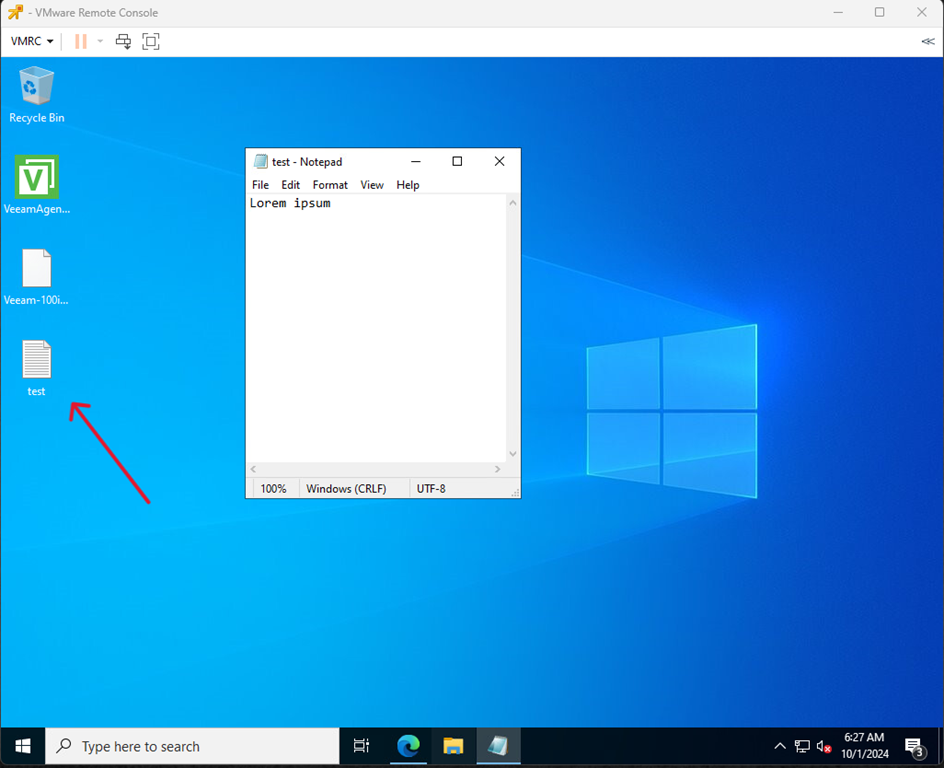
- Create some test file.
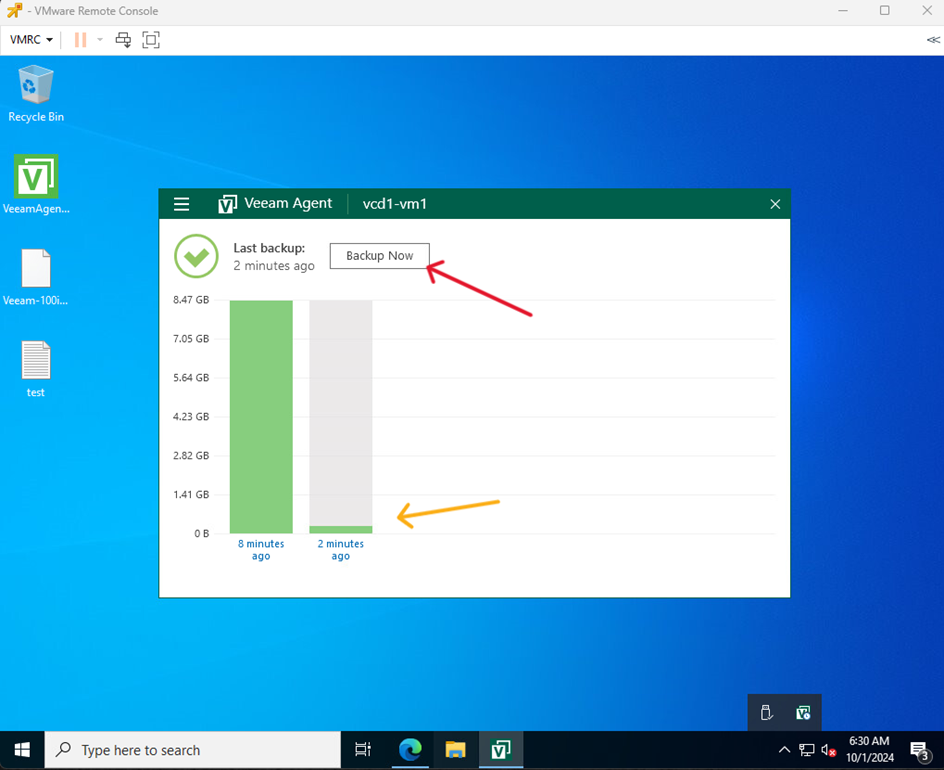
- Make a backup copy.
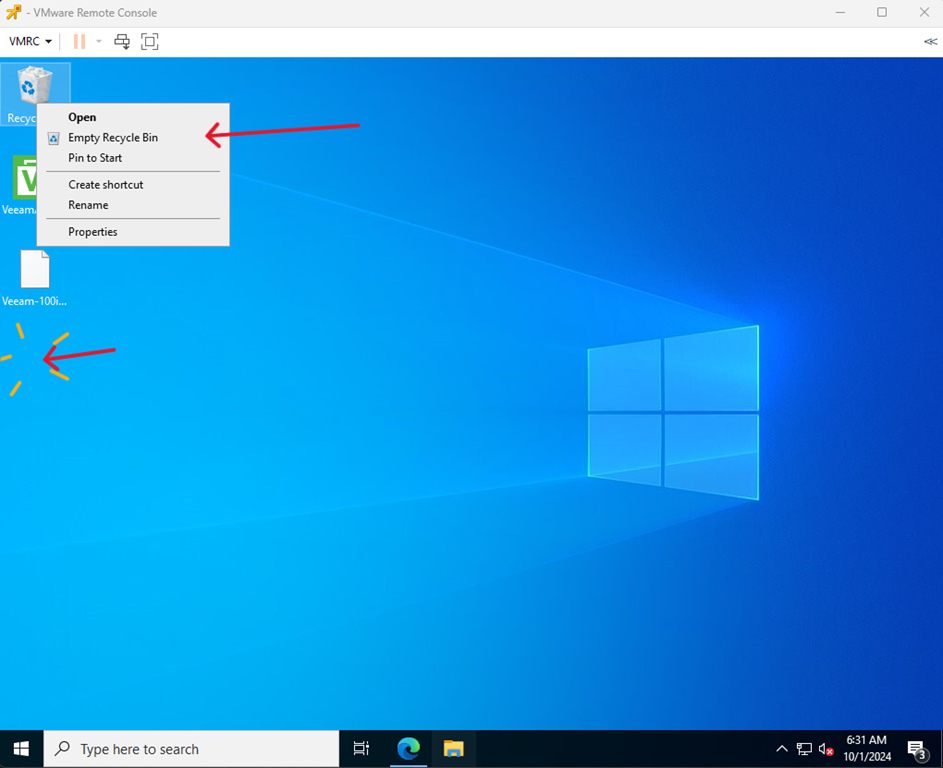
- Delete test file.
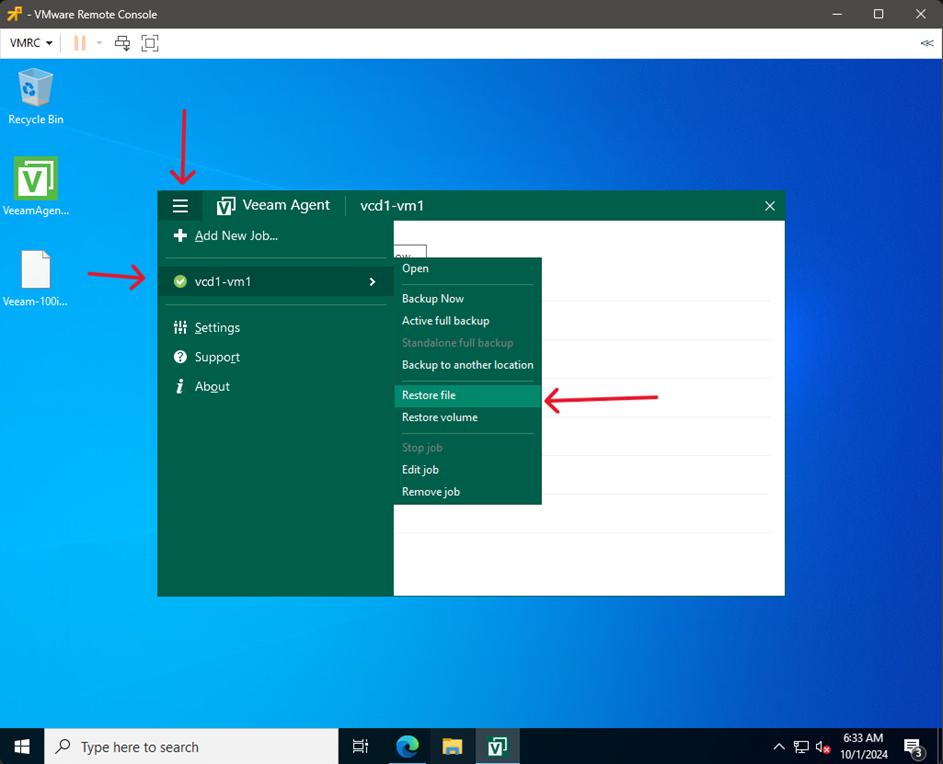
- Start Veeam Agent, go to the menu, hover over the backup job and select Restore file
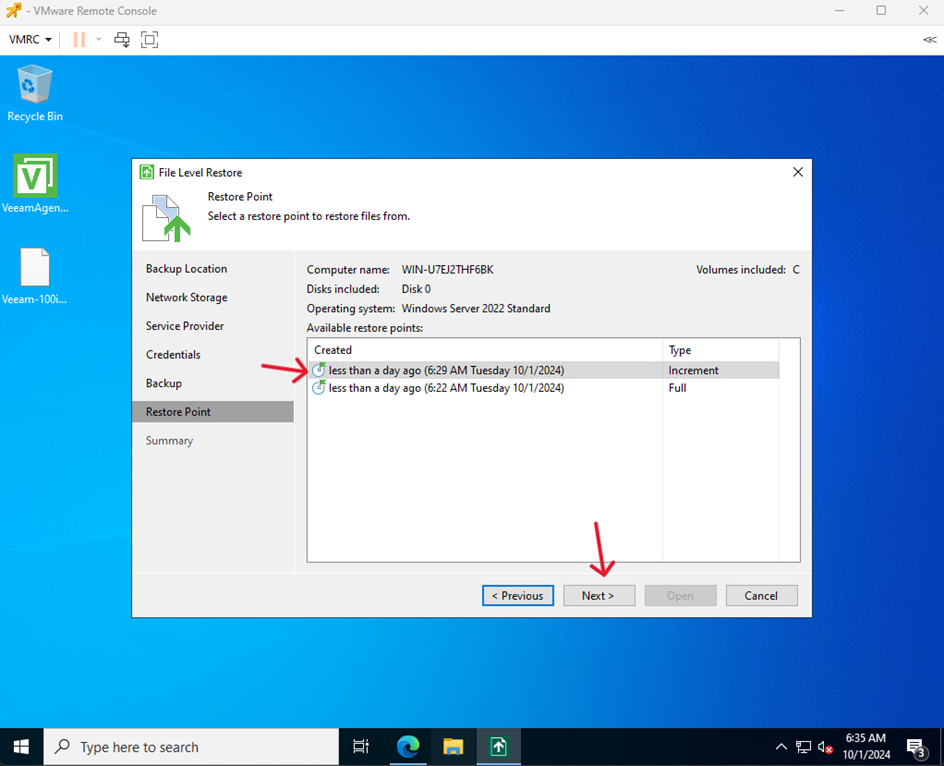
- Select a restore point and click Next
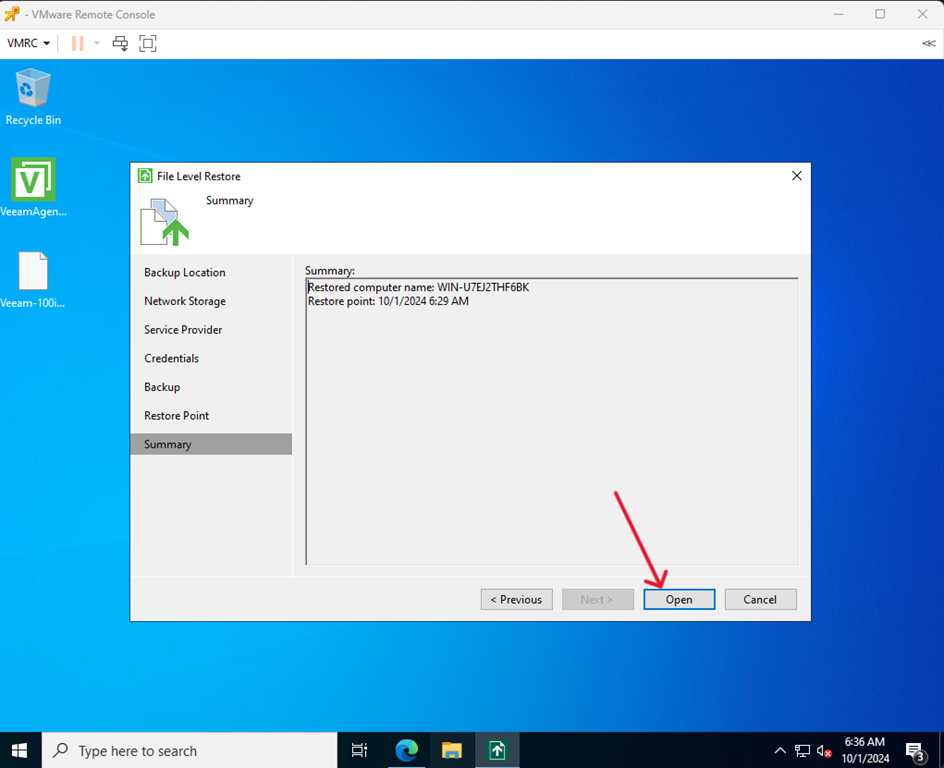
- Click Open
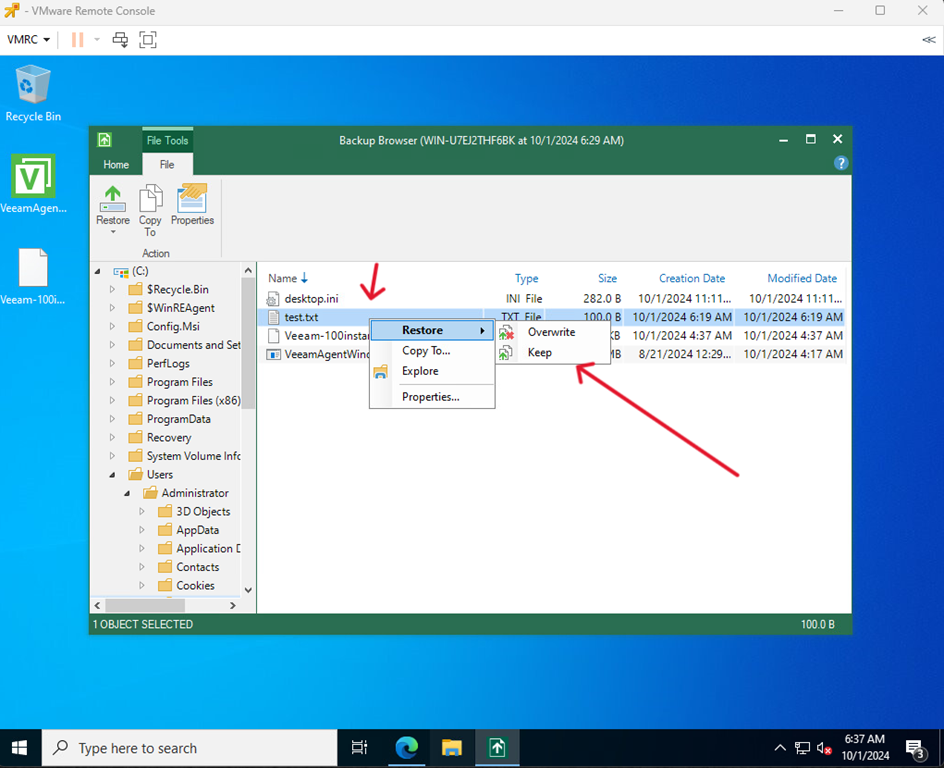
- Find the lost file, right click and select Restore > Keep
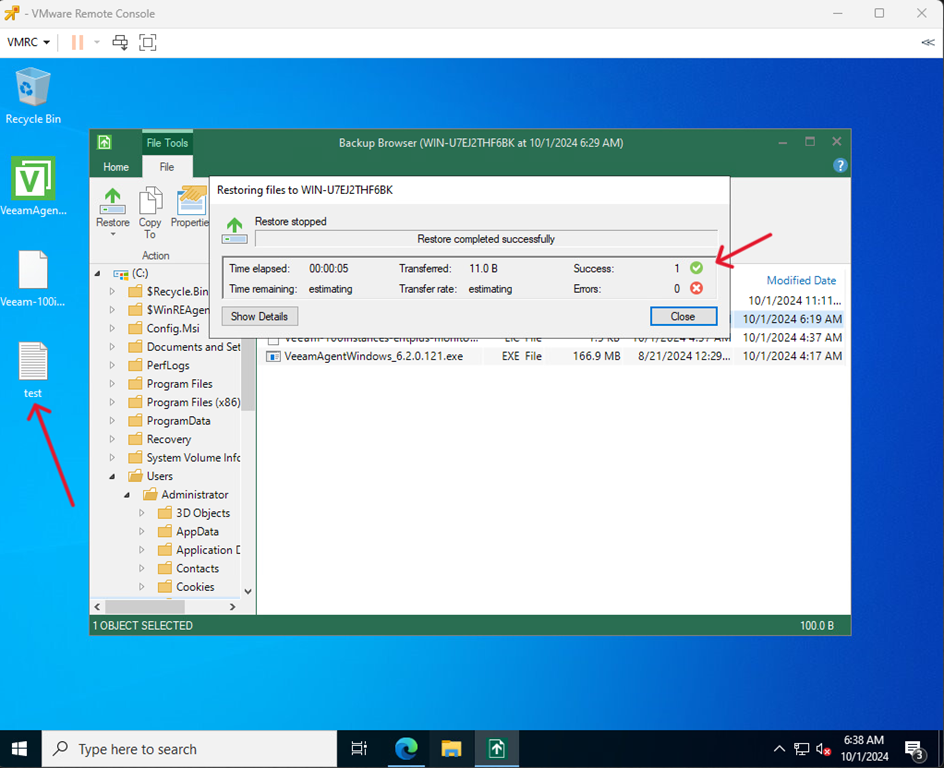
- Once the process is complete, the file should be back in its place.