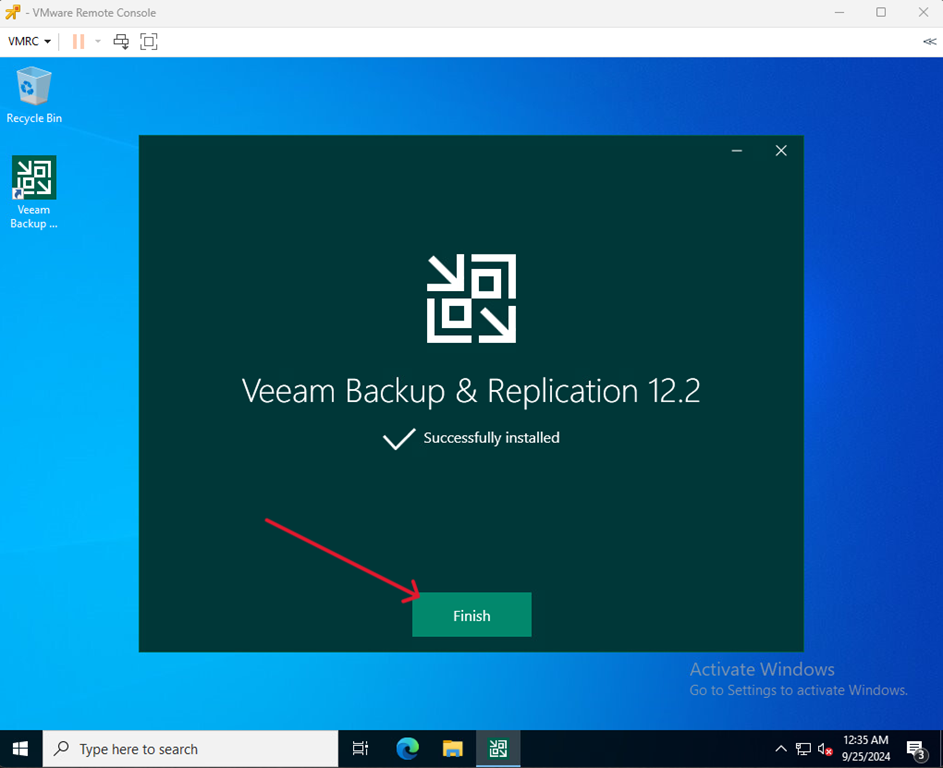
- Go to the VM view that will act as the Veam Server.
Go to Veeam website, log in and download Veeam Backup & Replication.
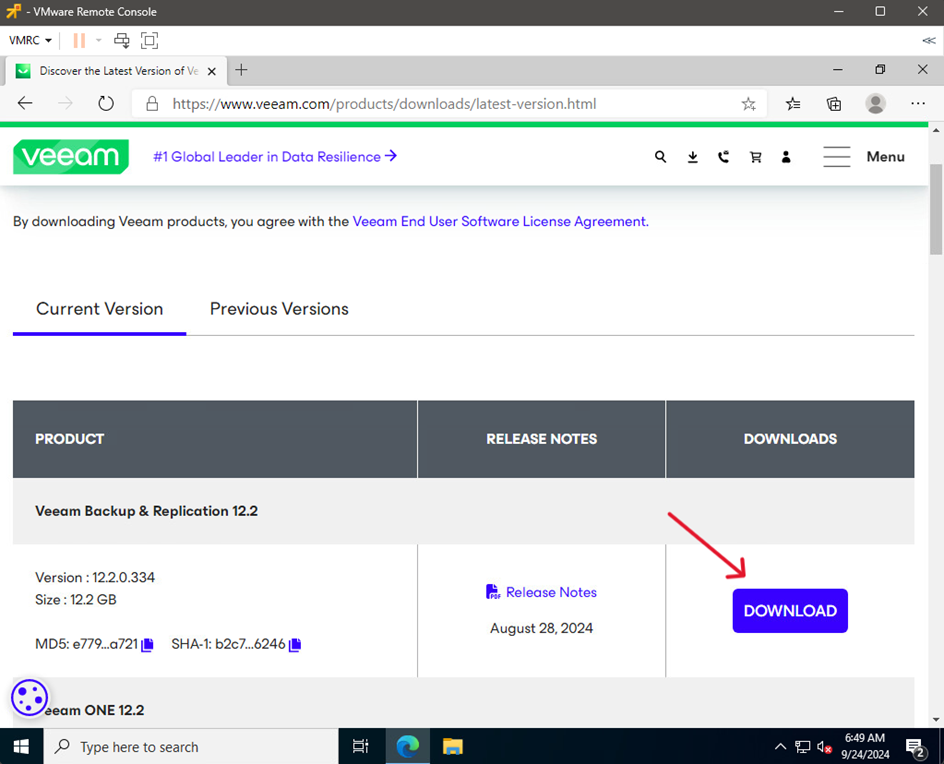
| Attention Download link: https://www.veeam.com/products/downloads/latest-version.html |
You can find the official Veeam manual for VMware here: https://helpcenter.veeam.com/docs/backup/permissions/installation.html?ver=120 |
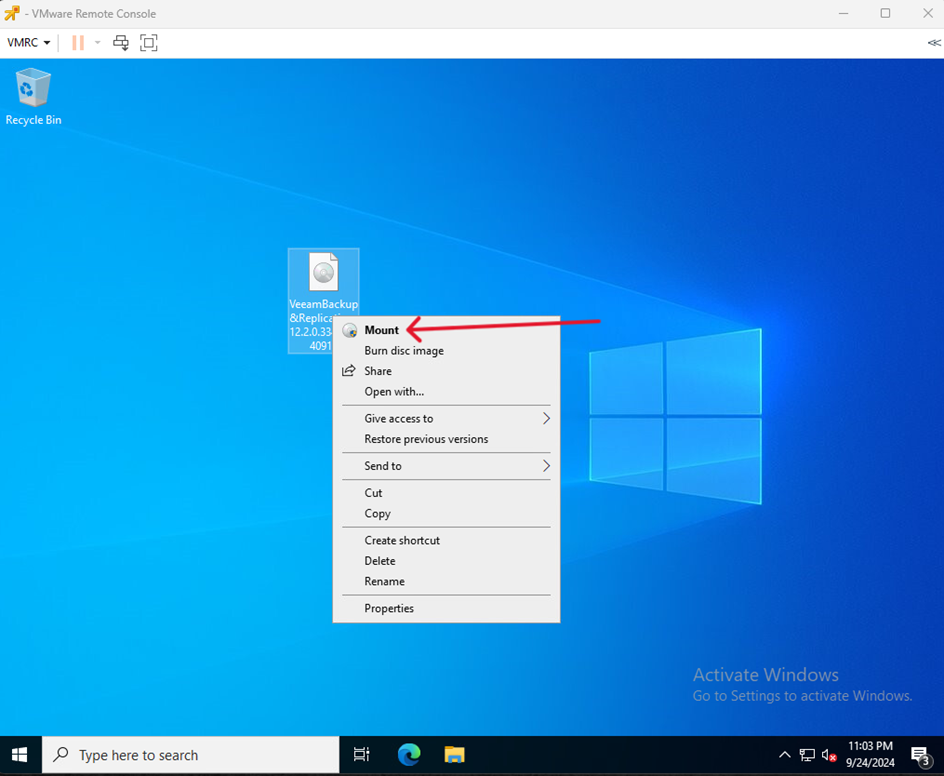
- Mount the downloaded iso image.
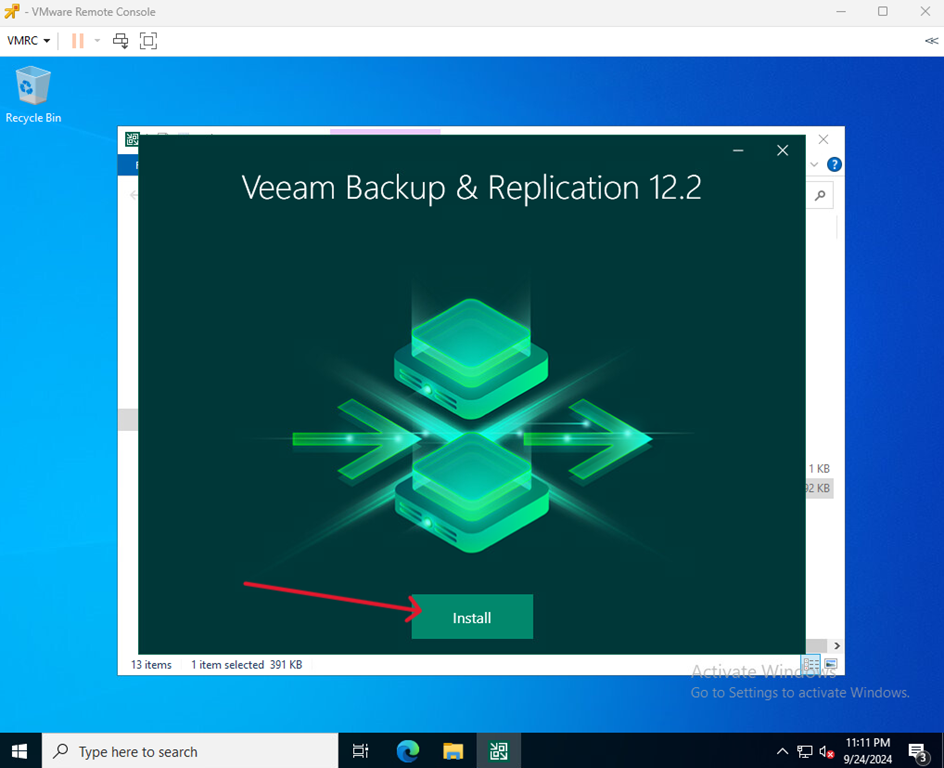
- Run the installation file.
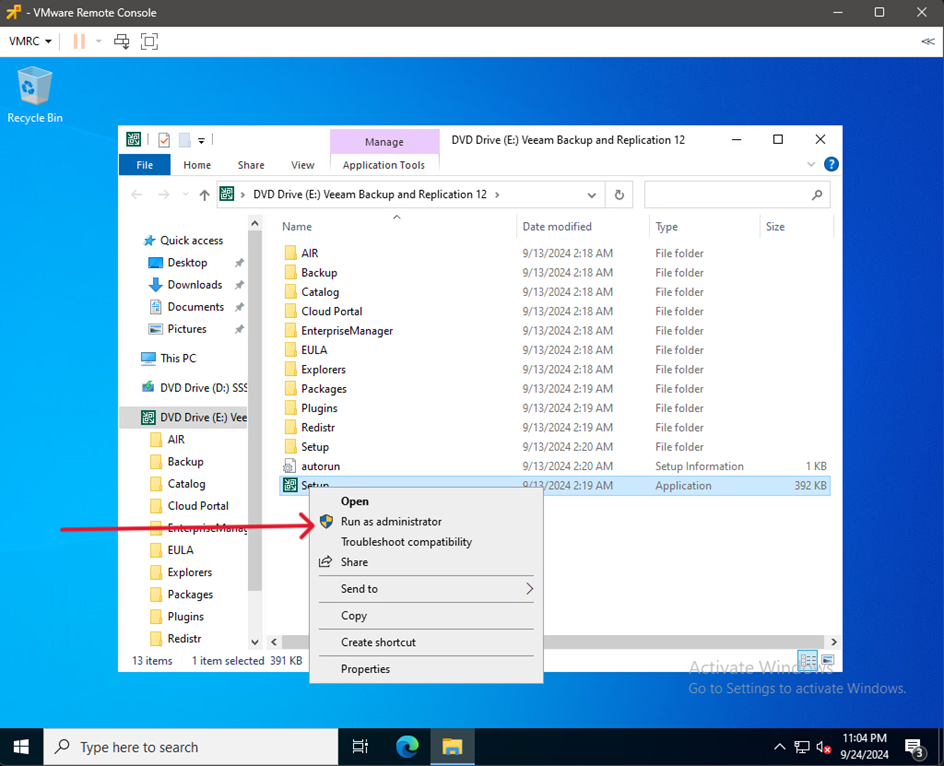
- Run the installation.
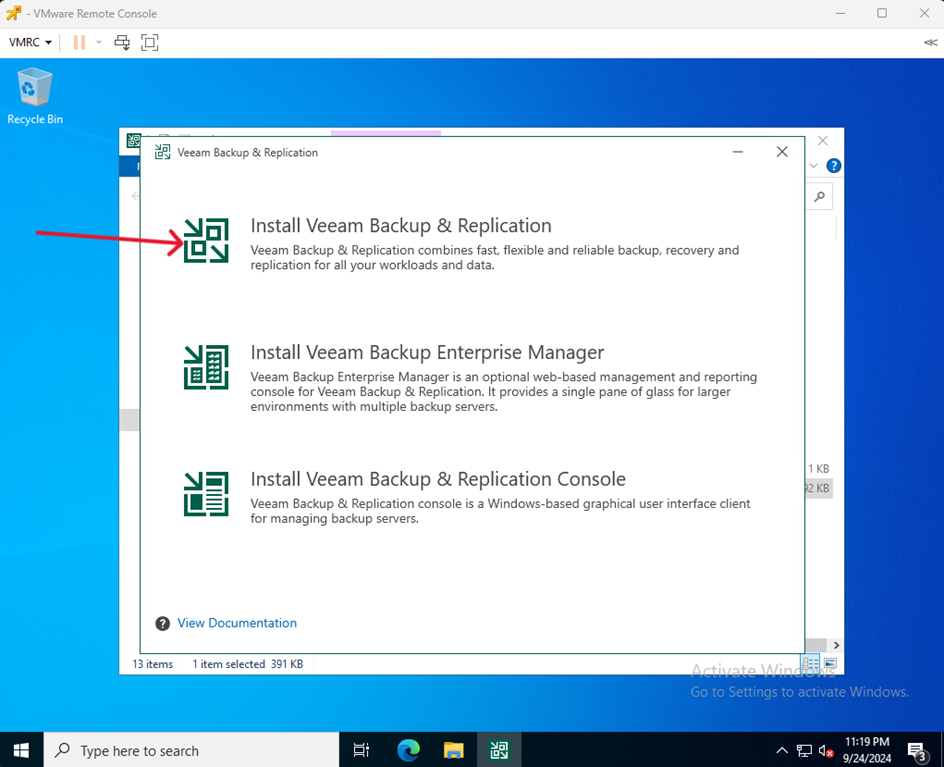
- Choose Install Veeam Backup & Replication
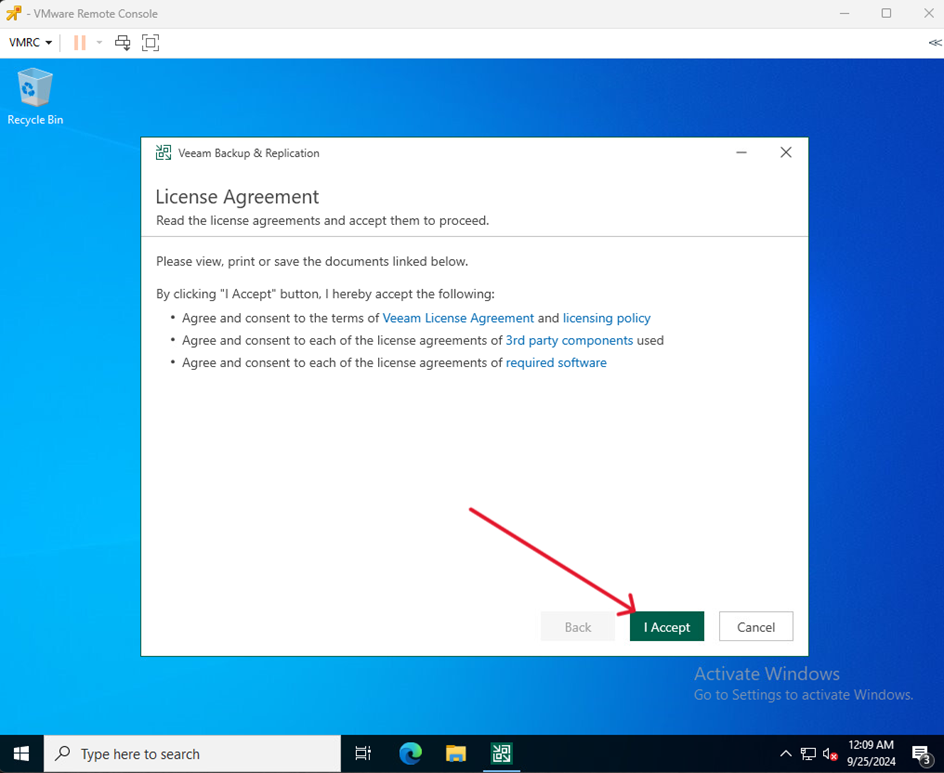
- Read the license agreement and proceed by clicking I Accept
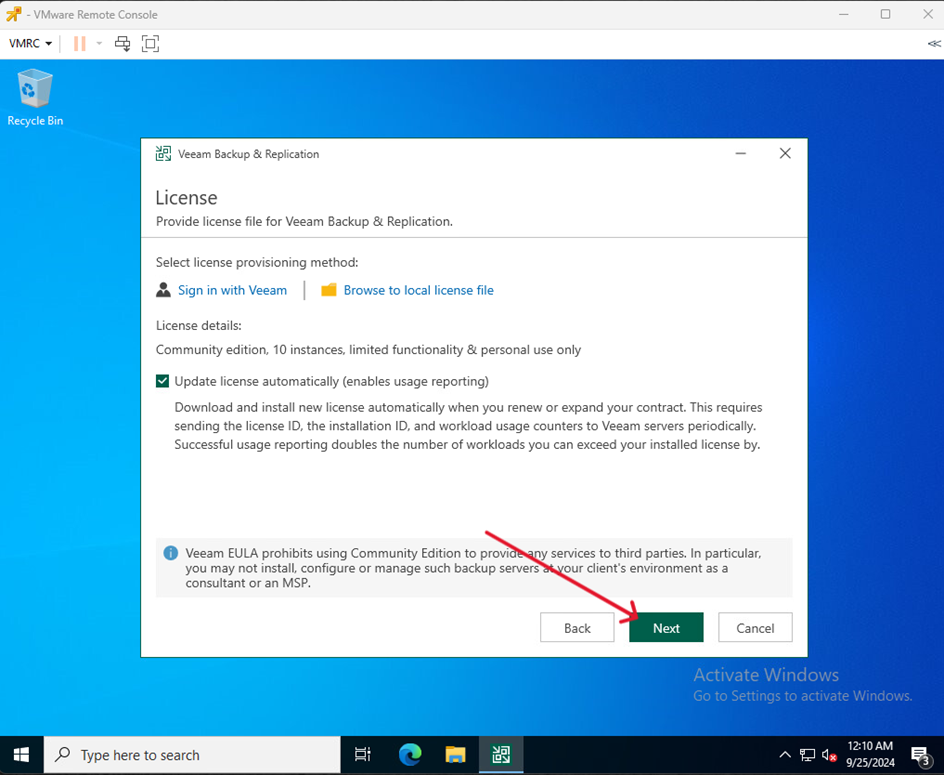
- Choose whether to update your licenses automatically and proceed by clicking Next
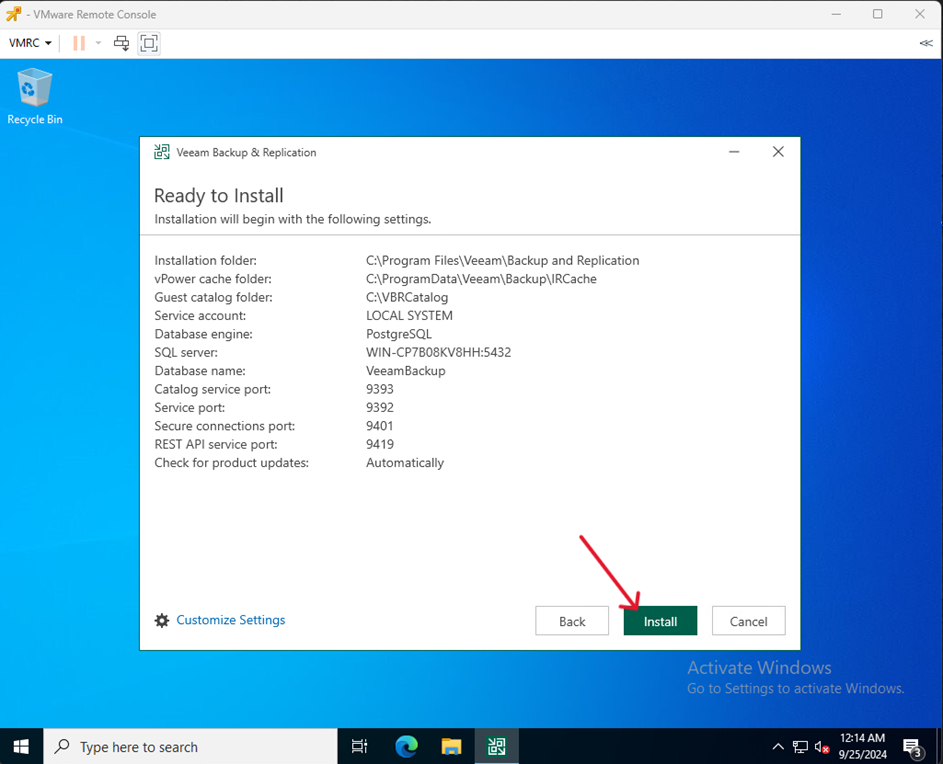
- Proceed to installation by clicking Install
- Complete the installation process by click Finish