Using Windows Server 2022 as an example.
- Go to the VM view. Go to the Veeam website, log in and download Veeam Agent for Microsoft Windows 6.2
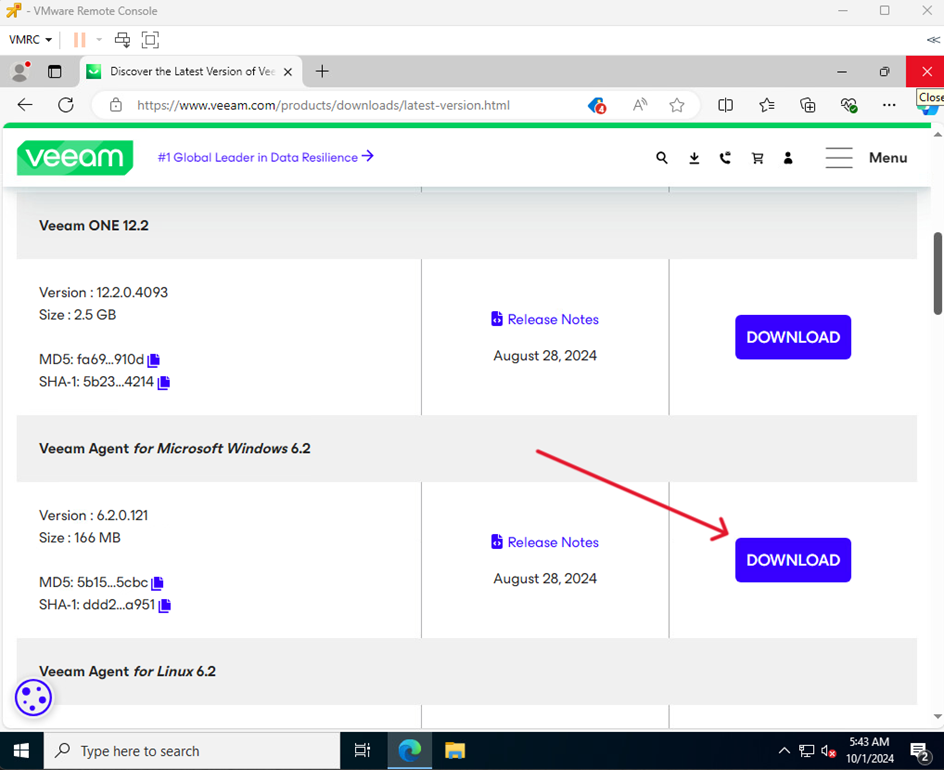
| Attention Download link: https://www.veeam.com/products/downloads/latest-version.html |
You can find the official Veeam manual for VMware here: https://www.veeam.com/support/help-center-technical-documentation.html |
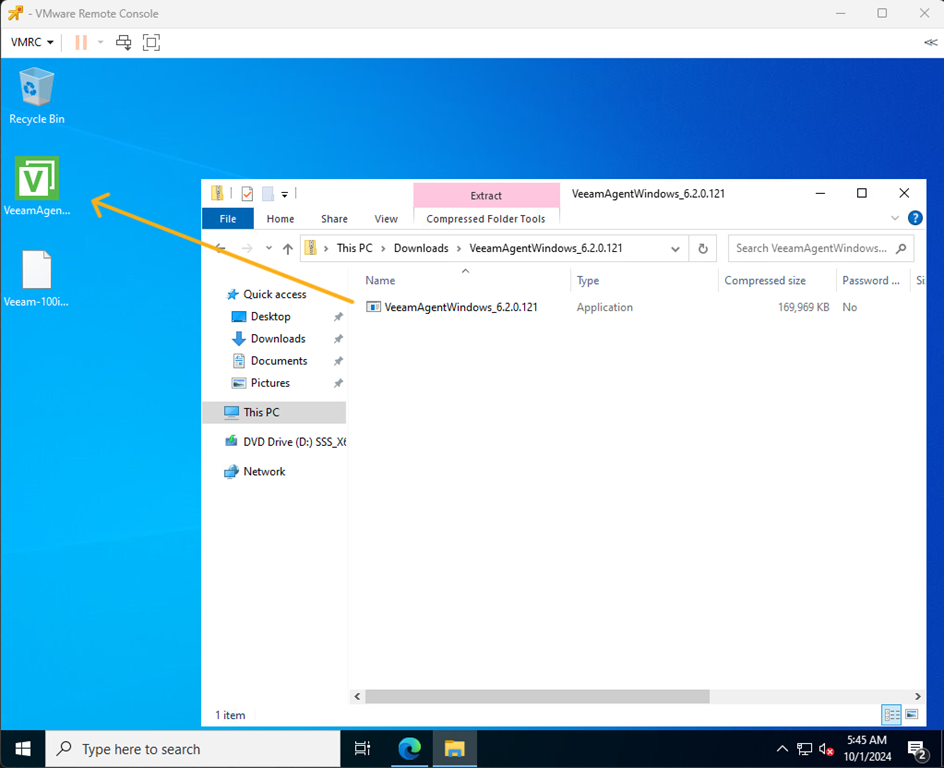
- Open the downloaded file and extract the installation file.
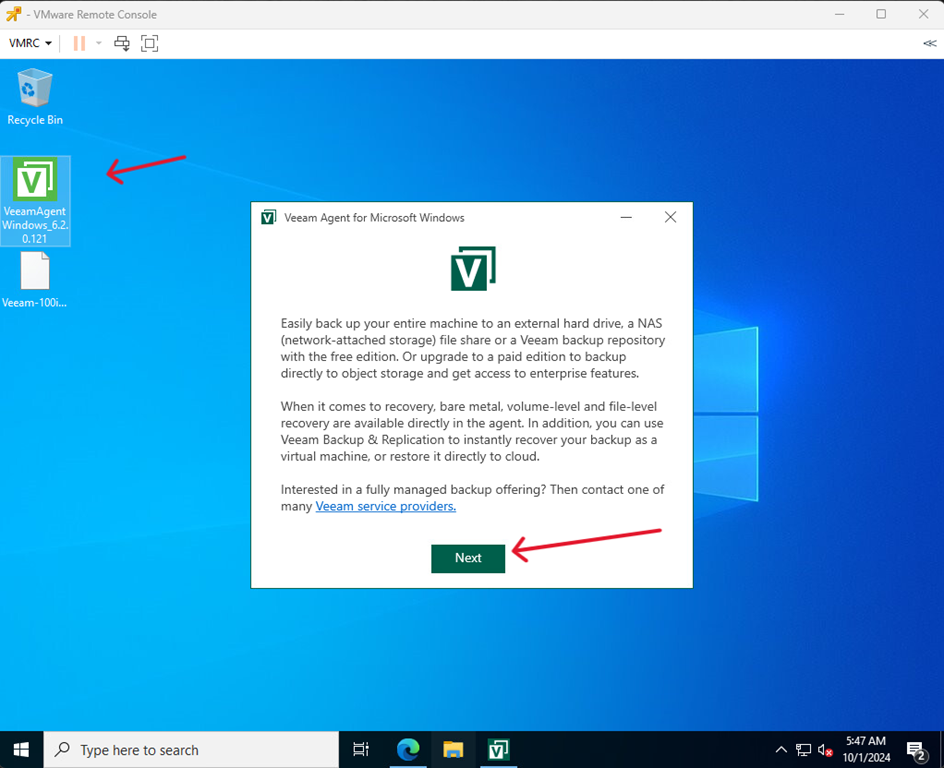
- Run the installation file and click Next
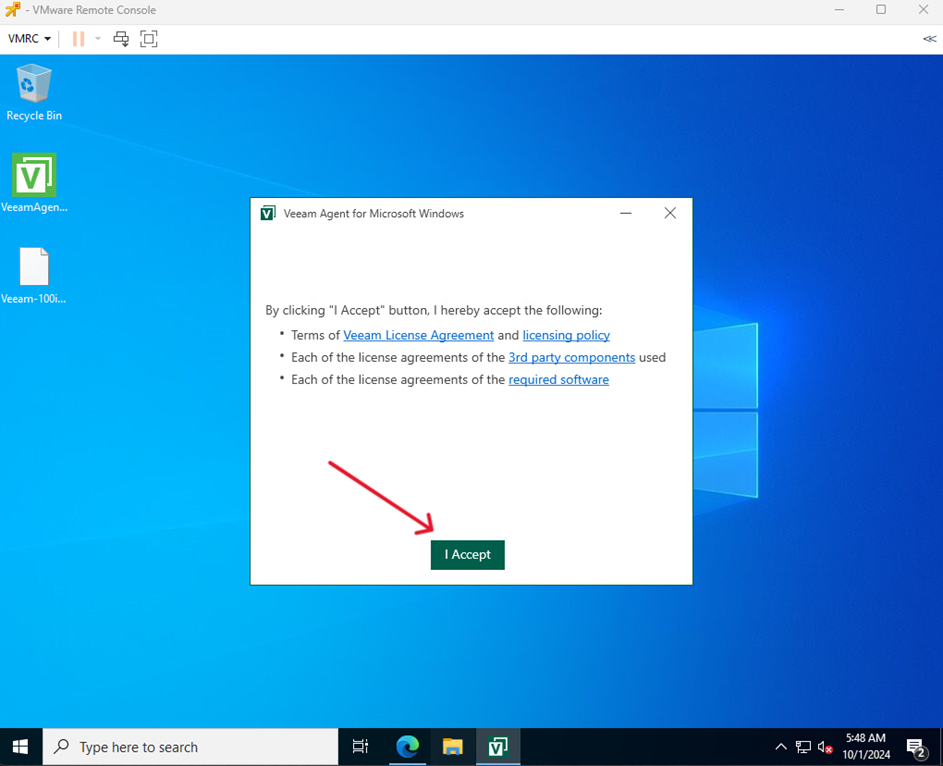
- Click I Accept
- Complete the installation process by clicking Finish
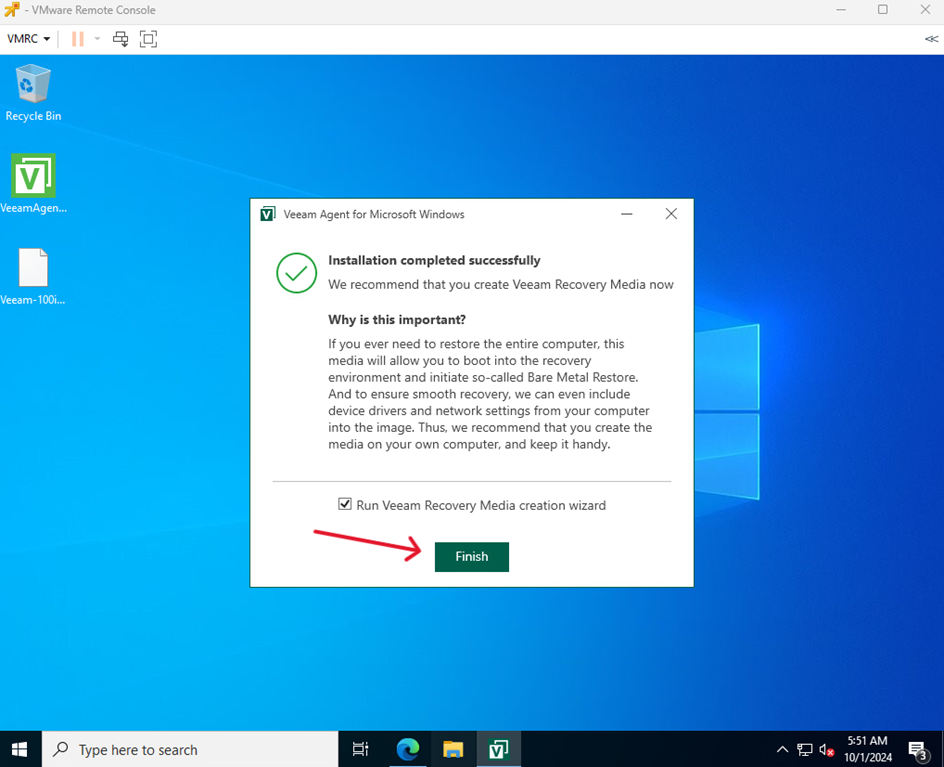
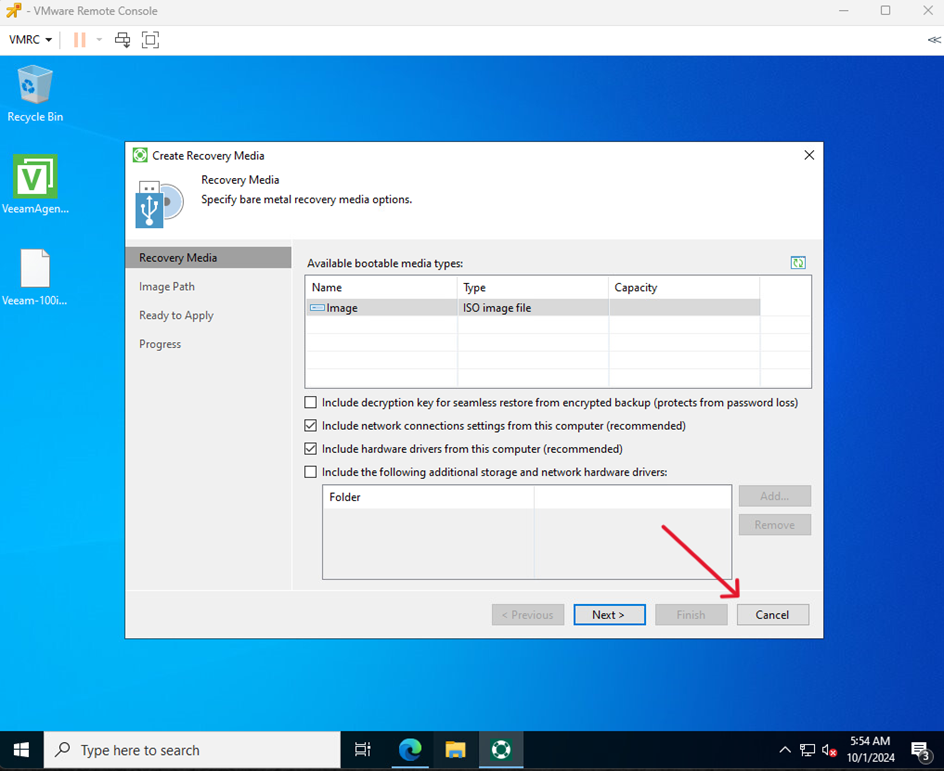
- After installation, the recovery device wizard will open.
For the purposes of this guide, we will skip this step by clicking Cancel