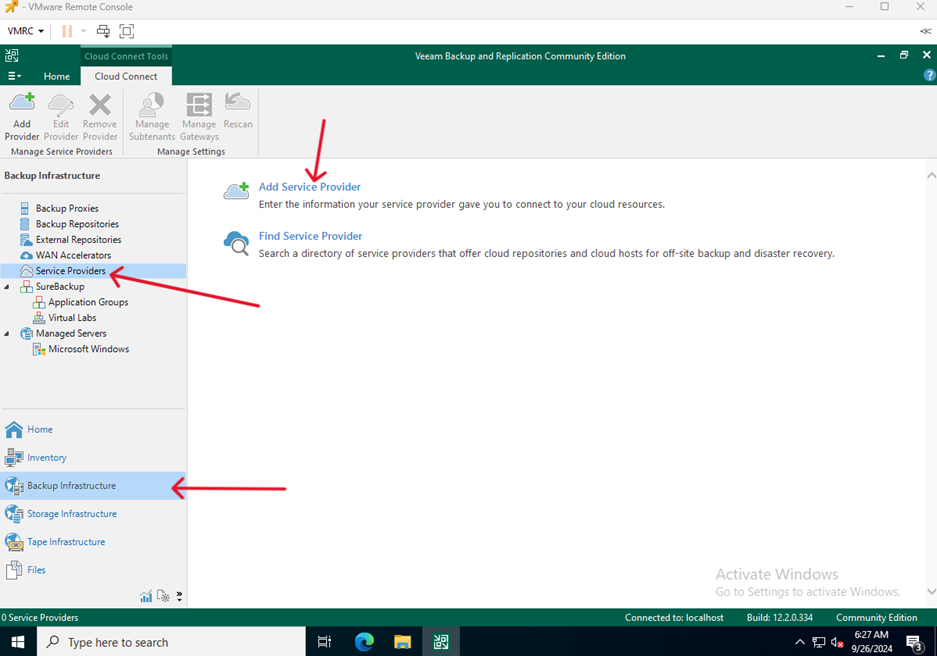
- Go to Backup Infrastructure > Service Providers and click Add Service Provider
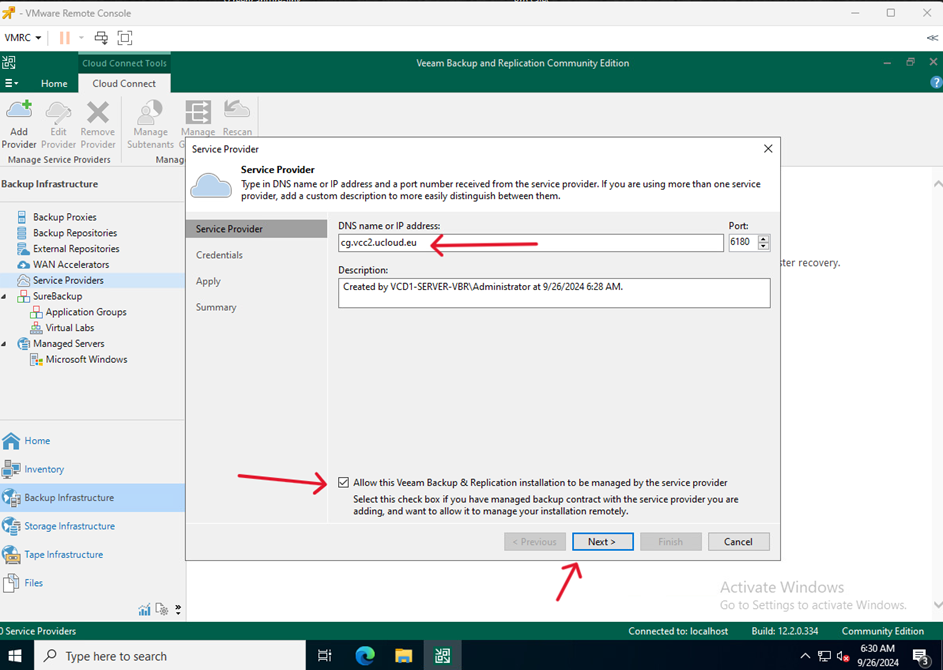
- Enter the DNS address you received, check the box if you have signed a contract for managed backup with a service provider.
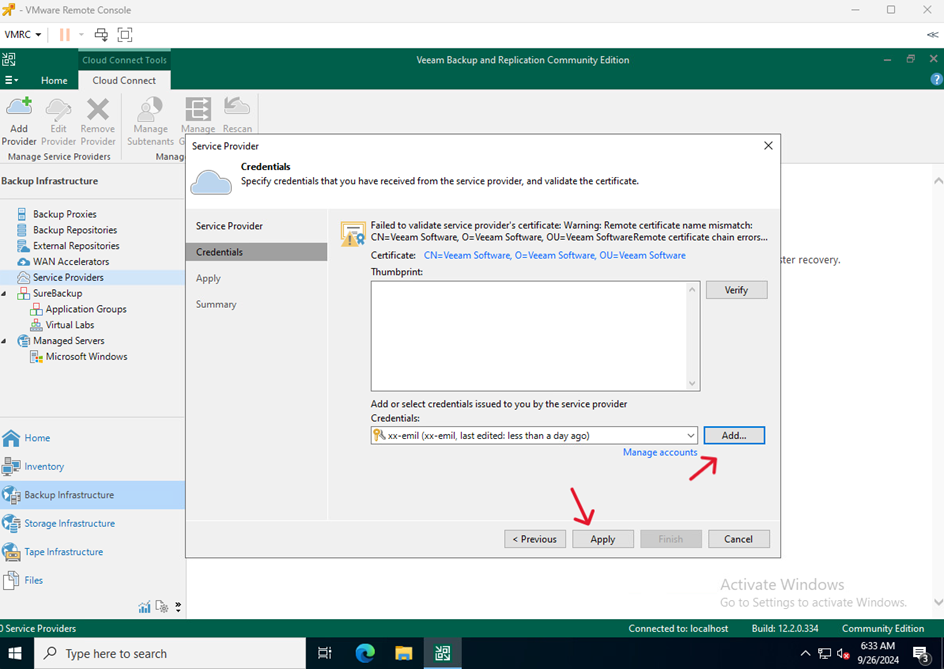
- Enter the credentials received from the technical department and click Apply
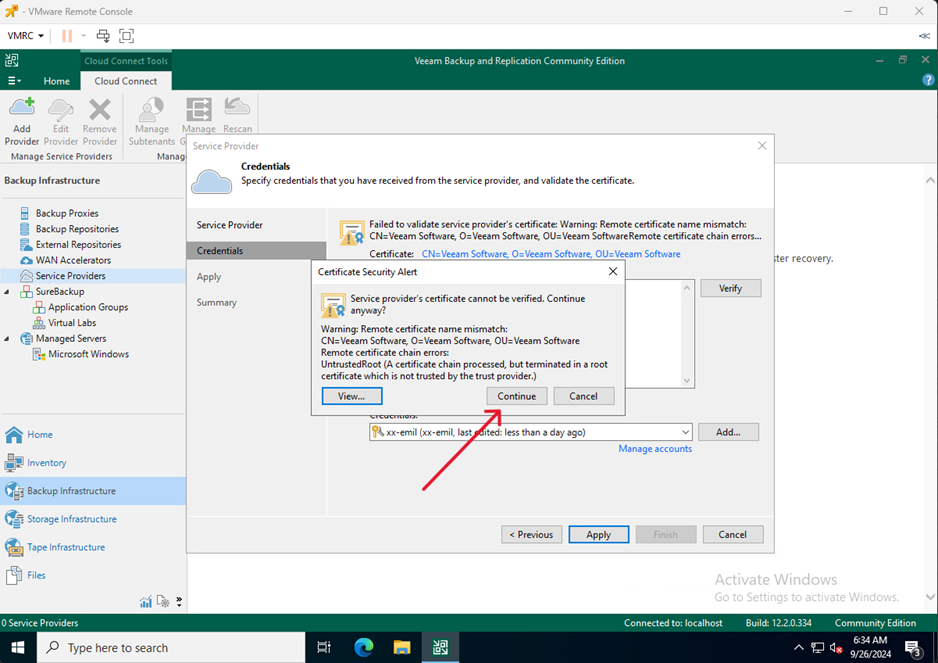
- Click Continue
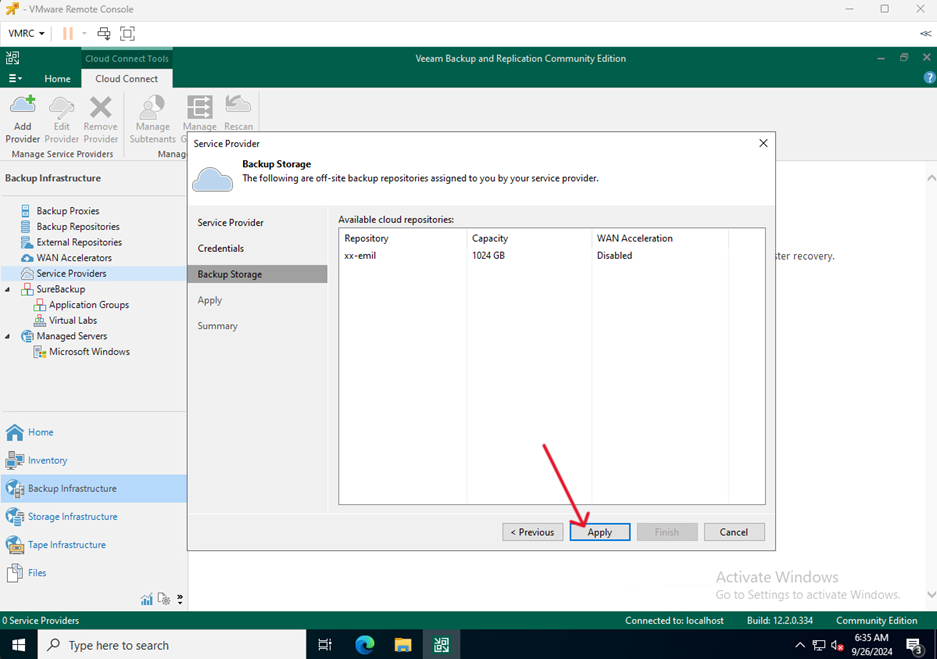
- Click Apply
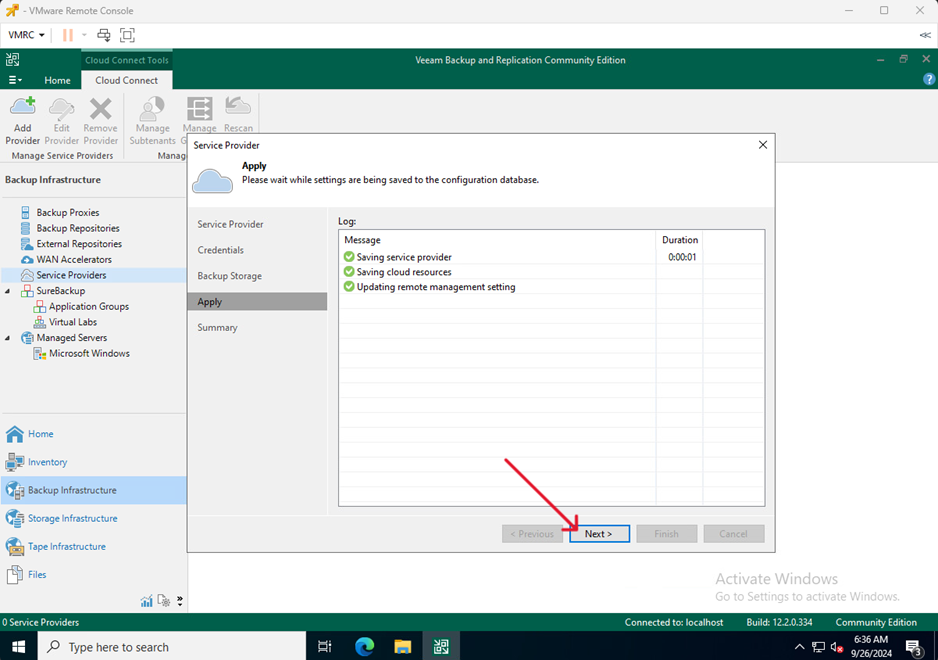
- Click Next
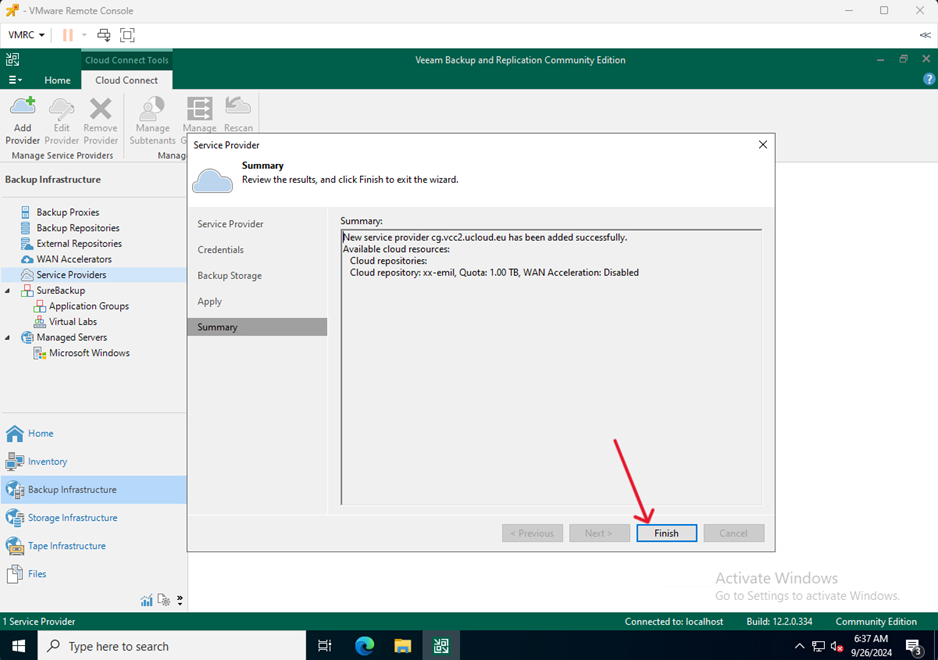
- Finish the process by click Finish
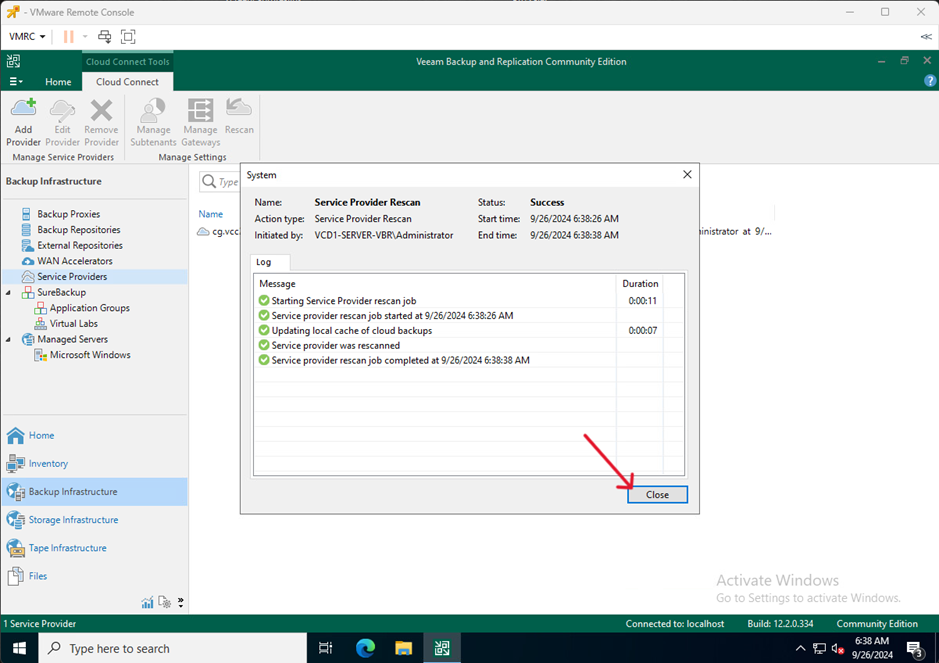
- Click Close