
/ Offer / Backup and Replication / Backup with Veeam
Backup with Veeam
A comprehensive solution for backup, replication and data recovery that guarantees the business continuity of your company,
Why choose Veeam backup from Ucloud?
Our Veeam solutions
backups of the entire system, partitions or individual files of units (servers, workstations and VMs.
creating, scheduling and monitoring backups of multiple virtual machines and physical servers in one place.
central management panel enabling monitoring, reporting and billing of backup services.
Cloud storage for Veeam backups, with pay-as-you-go pricing.
Exchange, SharePoint, OneDrive and Teams email backup with full recovery
protection of file shares and shared folders on the corporate network.
Don't know what to choose?
How much does it cost?
Our cloud repository
You only pay for the space you use! Full 1TB storage costs just $10 net per month.
License cost
The cost of a Veeam license is per protected instance (e.g., VM or server) and is a few dollars per month.
Transfer
There are no additional fees for data transfer with the backup service. Restoring and creating backups does not incur any additional costs.
Why is it worth it?

Fast data recovery
Instant recovery of files, virtual machines and entire systems minimizes downtime and the impact of failure on your business.
Low RPO and RTO
High-frequency backups reduce data loss and shorten service recovery times.
Protection against ransomware
Data immutability mechanisms (immutable backup) effectively protect copies against encryption and deletion.
The 3-2-1 rule
Three copies of data, two different locations and one copy outside the production environment ensure full fault tolerance.
Full automation
Backups, recovery tests and reporting are performed automatically, without involving the IT team in daily operation.
Scalability and flexibility
A Veeam-based solution grows with your infrastructure, from single servers to enterprise environments.
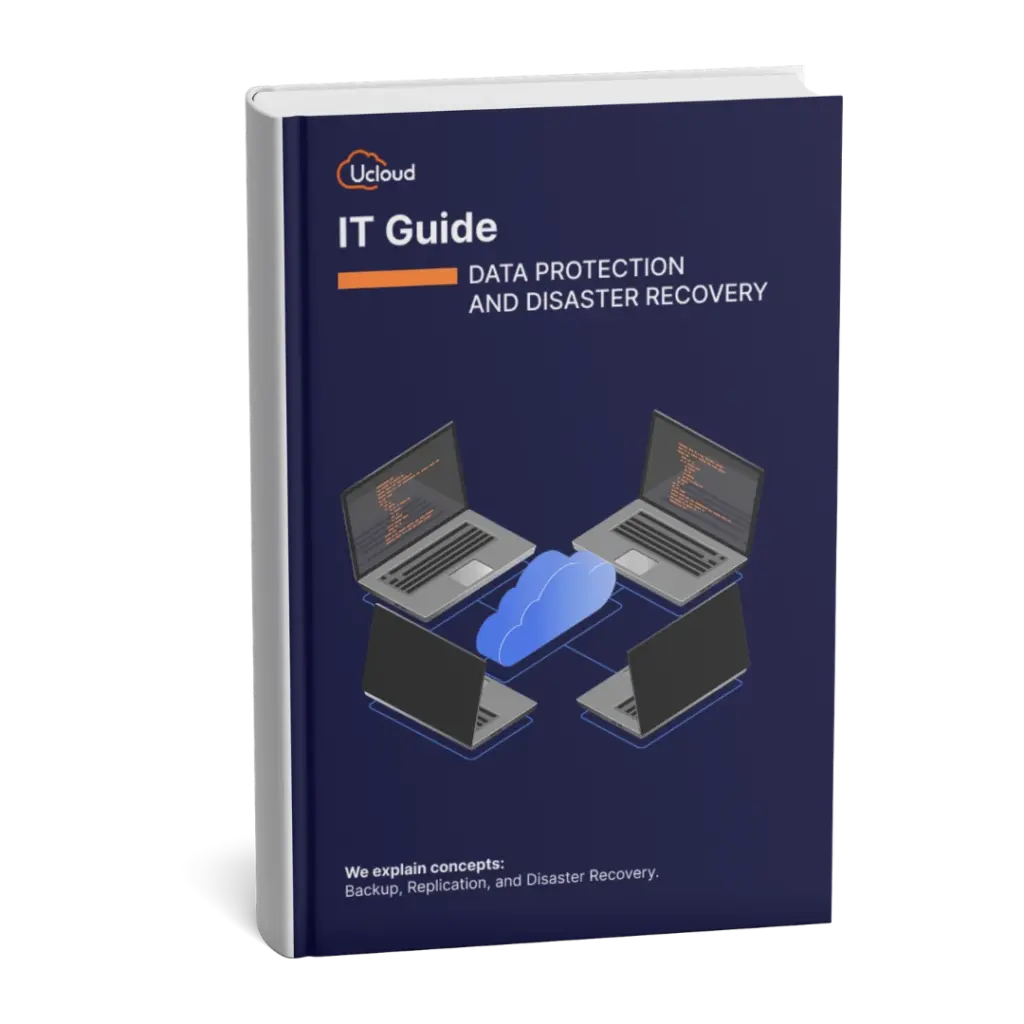
Download the free IT Guide: data protection and disaster recovery
Learn how to effectively protect your company’s data from failures, ransomware, and user errors. We explain the differences between snapshots, backups, replication, and disaster recovery in a simple and practical way.